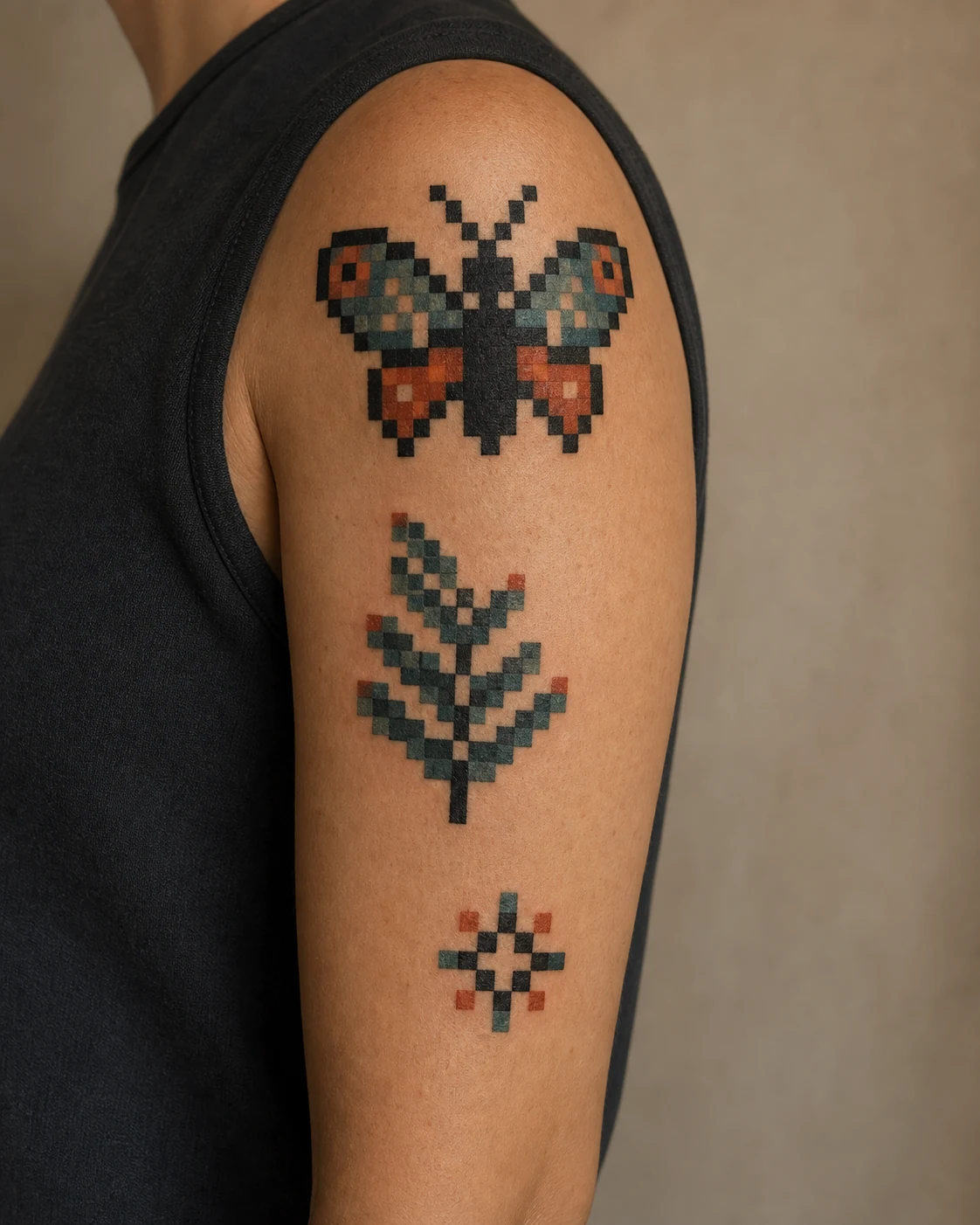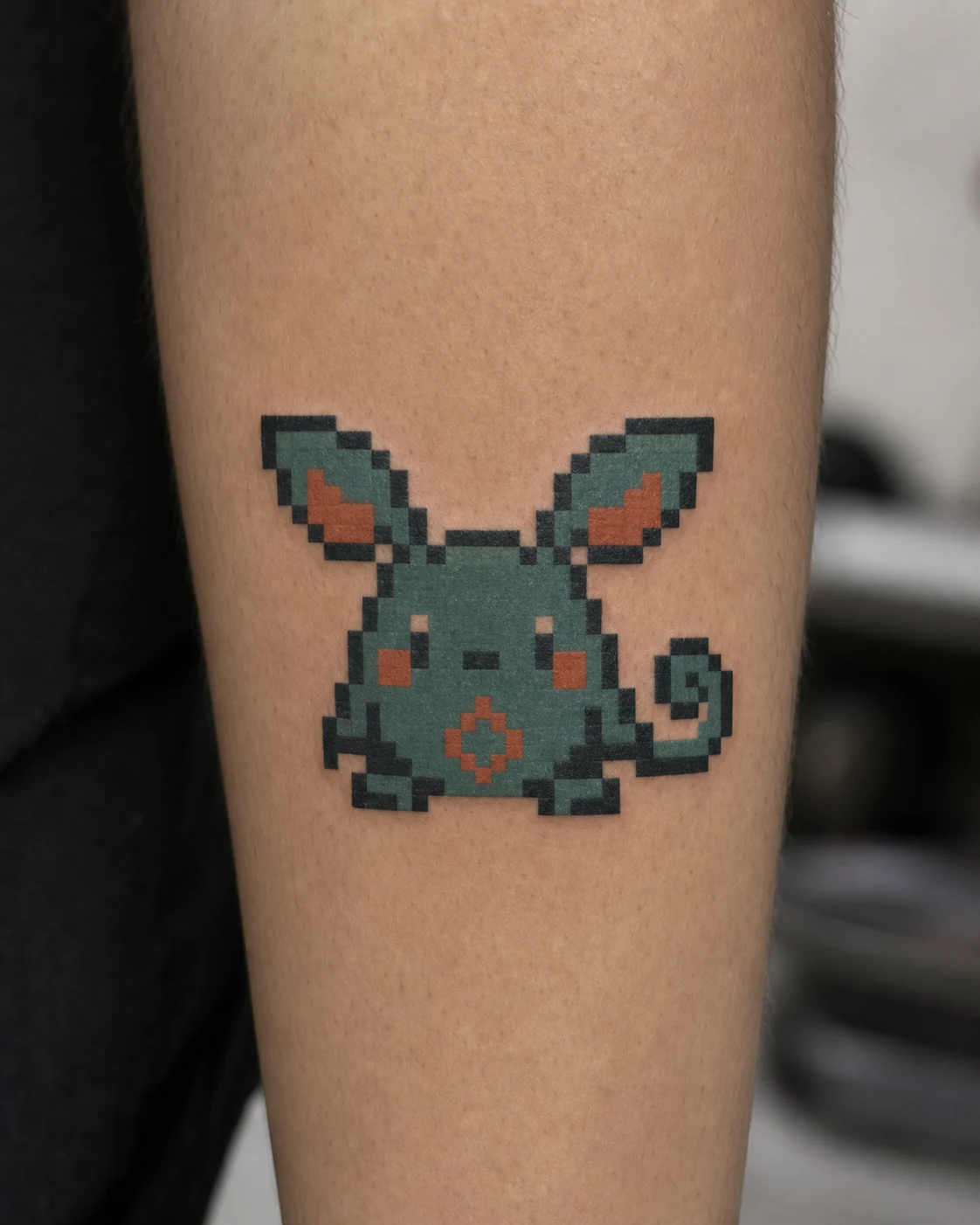
Pixel Art Tattoo Ideas
Pixel Art Tattoo Guide

Pixel Art Tattoo Ideas

Plan a pixel tattoo on the grid's terms: every square placed on purpose, a minimum pixel size the skin can hold, and 8-bit charm that stays crisp instead of melting into mush.

The grid is the whole game

Pixel style brings the language of early video games to skin: blocky sprites, staircase curves, and palettes counted on one hand. Its charm depends entirely on precision, because the eye forgives nothing in a grid, and neither does healing skin.

Grid law: rows and columns must stay square, because a single drifting pixel breaks the illusion
Motif fit: retro game icons, pixel pets, glitch effects, blocky sunsets and landscapes
Size floor: each pixel needs enough width to survive ink spread, so pieces size up, never down
Nostalgia engine: the style runs on the feeling of a save point, a pixel heart, a boss room
Retro game icons Pixel Art
Starter Promptpixel art tattoo style, 8-bit retro game aesthetic, blocky color squares, crisp low-res look

Use this as a base, then add motif, placement, palette, and background details.

Pixel Motif Direction

Four levels: icons, pets, glitches, and skies

Pixel tattoos work best when the subject embraces the resolution. Low-res is the aesthetic, and the strongest pieces choose subjects that read perfectly at sixteen pixels tall.

Retro game icons Pixel Art
01

Retro game icons

heartpotionsword

Hearts, potions, swords, and coins: the inventory items of a childhood.

The classic game icon set is the style's alphabet, and original designs in that language avoid any copyright headache. A three-heart health bar or a tiny potion bottle carries instant recognition with a personal twist.

Best fit

Best for wrist-adjacent forearm, ankle, and behind the arm, where a small grid sits flat.

Design note

Keep the palette to three or four flat colors plus a dark outline pixel row. A tiny white shine pixel in the corner sells the whole sprite.
Pixel pets and characters Pixel Art
02

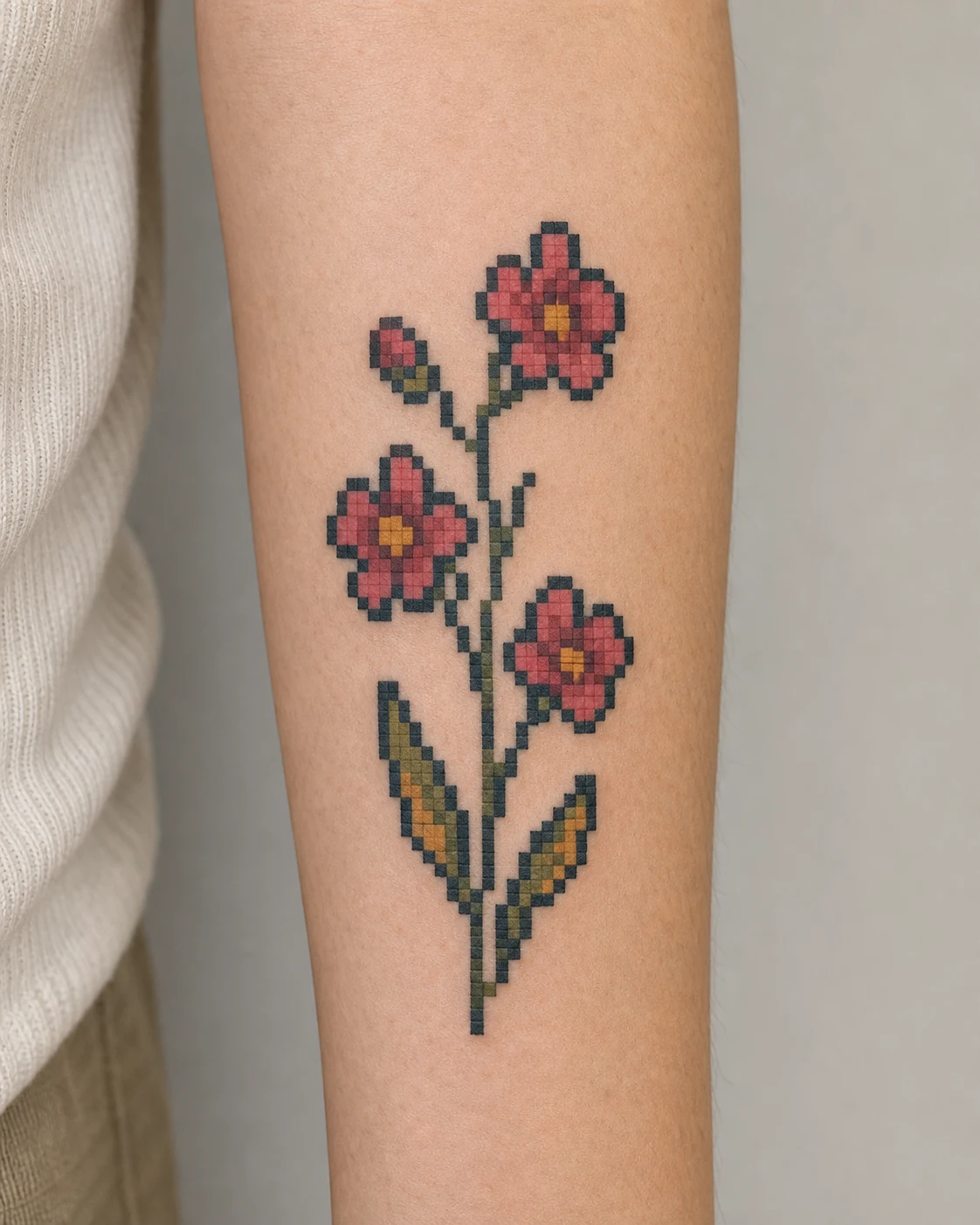
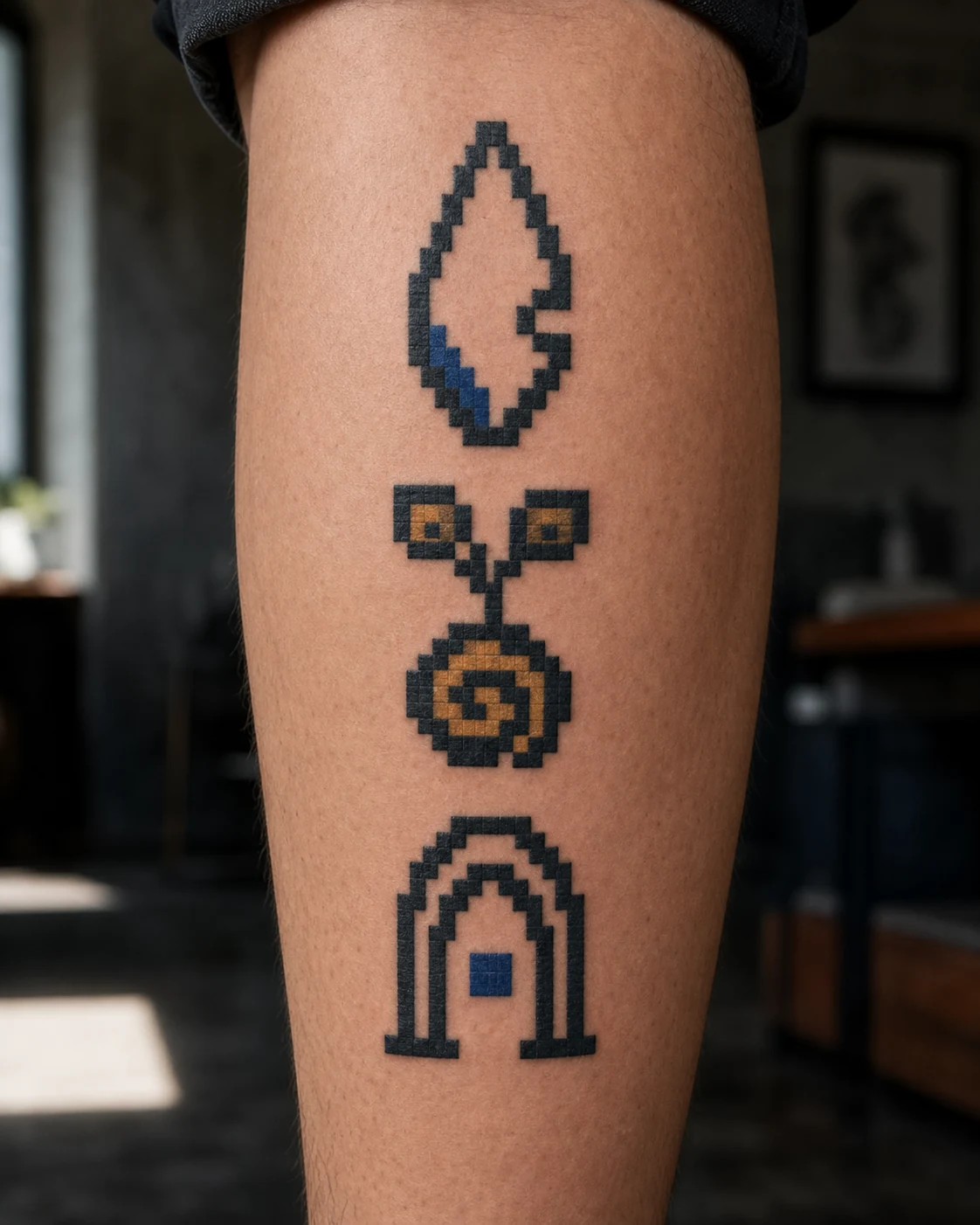
Pixel pets and characters

petspritecharacter

Your dog as a sixteen-pixel sprite: portraiture through the fewest possible squares.

A pixel pet portrait is an editing puzzle: which eight squares say this cat and no other cat. The abstraction dodges the aging problems of micro realism entirely, because there is no fine detail to blur.

Best fit

Best for forearm and calf, sized so each pixel is comfortably needle-wide.

Design note

Work from a photo, but let the artist redraw at true low resolution. Shrinking a photo into fake pixels reads muddy; real sprite logic reads sharp.

Glitch and dissolve effects Pixel Art
03

Glitch and dissolve effects

glitchdissolvecorruption

Reality breaking into blocks: a rose half-dissolved into drifting pixels.

The glitch piece pairs a normally rendered subject with a zone that corrupts into scattered squares. The contrast makes both halves stronger, and the drifting pixels give the composition motion without motion lines.

Best fit

Best for forearm and upper arm verticals, where the dissolve can travel along the limb.

Design note

Decide the corruption direction with the body: pixels drifting toward the wrist read like the piece is unraveling in real time.

Blocky sunsets and landscapes Pixel Art
04

Blocky sunsets and landscapes

sunsetlandscapesky

A gradient sky rendered in stepped bands: vaporwave's favorite postcard.

Pixel landscapes stack flat color bands into a sunset, a mountain line, a pixel sun with a stepped edge. They carry heavy mood in a small rectangle and pair naturally with a frame that crops them like a game screen.

Best fit

Best for inner forearm and calf, framed as a small rectangle or handheld-screen shape.

Design note

Limit the sky to four or five bands. More bands read as a failed smooth gradient, and the whole point is the step.

Test the resolution before the studio consult

01

"Compare icon, pet, glitch, and landscape directions to find what survives at low resolution."

02

"Generate the same subject at eight, sixteen, and thirty-two pixel scales to find the honest size."

03

"Build a brief naming the pixel count, the palette, and the grid alignment on the body."

Styles

Pixel tattoo planning: precision, size, and the ten-year grid

The craft demand is simple to state and hard to deliver: perfectly square squares, aligned rows, consistent gaps. Any artist can draw a square; keeping forty of them square on curved, stretching skin is a specialist's discipline. Look for healed pixel work and check the corners, because corners are where grids die.

Ink spreads a little every year, which is the style's real enemy: pixels that start too small eventually touch and blur into blobs. The rule is to size each pixel like it needs to survive a decade, which usually means fewer, larger pixels than the reference image suggests. Resolution down, size up.

Popular pixel directions

01

Game icon piece

An original heart bar, potion, or sword in three flat colors with an outline pixel row.

02

Pixel pet portrait

A sixteen-pixel sprite of your animal, redrawn at true low resolution.

03

Glitch dissolve piece

A rendered subject corrupting into drifting squares along the limb.

04

Blocky sunset rectangle

Four sky bands, a stepped sun, and a frame that crops it like a game screen.

Pixel tattoo FAQ

They stay sharp when the pixels start big enough. Ink spread is measured in fractions of a millimeter per year, so a generous grid absorbs it invisibly while a tight grid turns into a smudge. Size the piece for its tenth birthday.
Recognizable characters belong to their studios, and many artists decline direct copies. The stronger move is an original sprite in the same language: your own pet, your own icon, drawn with the era's palette and constraints.
Flat, stable zones: inner forearm, outer calf, upper back. Ribs, elbows, and anything that folds daily will bend the grid, and a bent grid reads as a mistake rather than a style.
Name the resolution and palette. A useful prompt might ask for an original pixel art potion bottle for the inner forearm, sixteen pixels tall, four flat colors, dark outline pixels, one white shine pixel, perfectly aligned grid.

Start with a draft where every pixel earns its square

The designs on this page all came out of our AI tattoo generator. Describe your idea, pick the Pixel Art style, and a first draft lands in about a minute. Free to start.