AI Tattoo Generator - Create Your Design Free
Tattoo Virtual Try-on
Upload your tattoo image on the left and a photo of the body part on the right, and AI will generate a realistic tattoo preview.
Use a tattoo design, AI-generated artwork, or a clean stencil.
Upload tattoo image
Use a tattoo design, AI-generated artwork, or a clean stencil.
Use a clear photo of the arm, leg, shoulder, or other placement area.
Upload body-part photo
Use a clear photo of the arm, leg, shoulder, or other placement area.
Design Studio
Your generated tattoo designs will appear here.
No designs yet
An AI tattoo generator built for real ink
Type what you have in mind, and OpenInk's tattoo AI generator turns it into a design in under a minute. It follows real tattoo logic—line weight, negative space, and how ink sits on skin—instead of placing a tattoo filter over a photo.
Everything runs in the browser. No design software, no appointment. Your first generation is free, no account needed.
When a design clicks, download it in high resolution, pull a clean line stencil from it, or preview it on a photo of your own arm before you book the session.
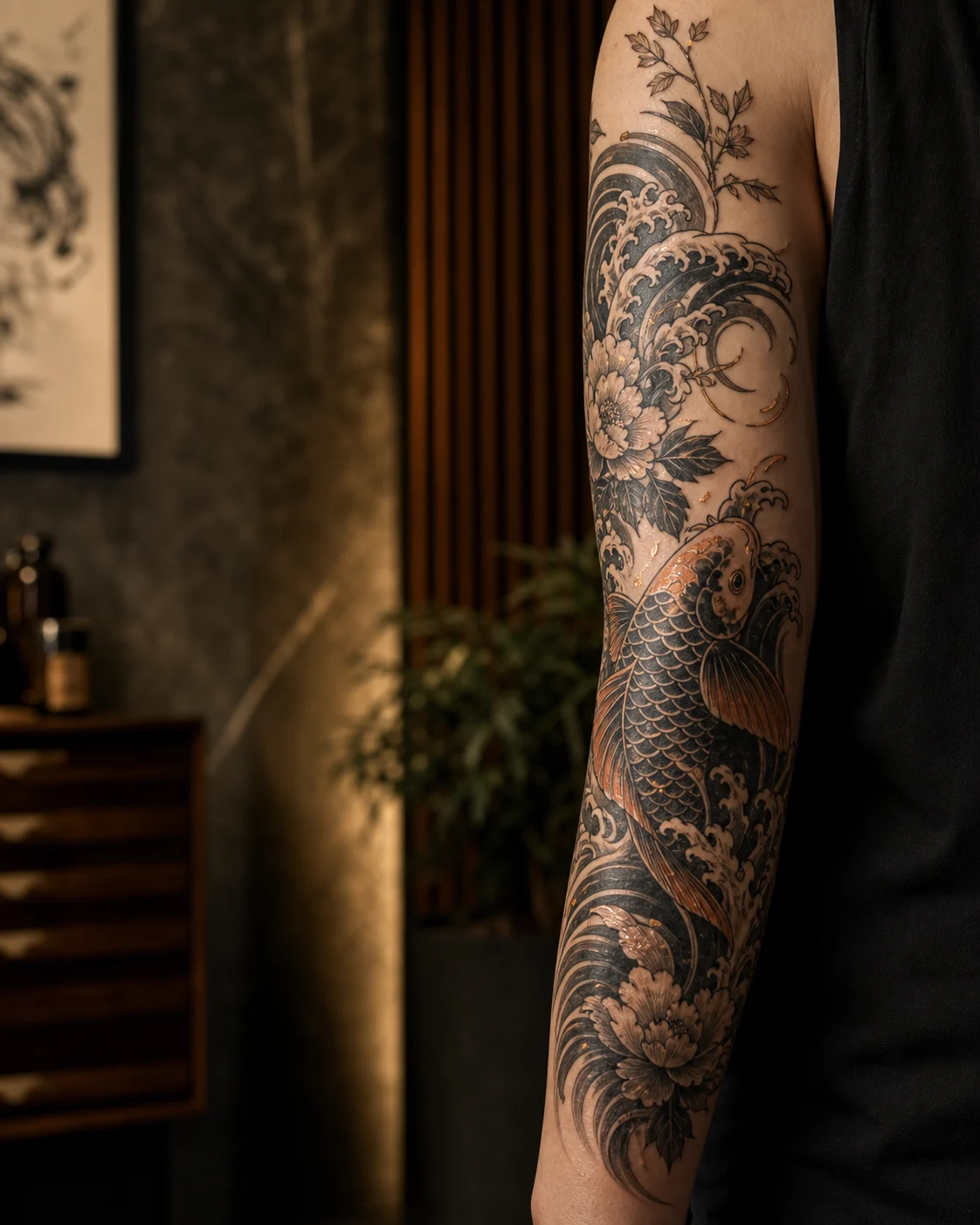
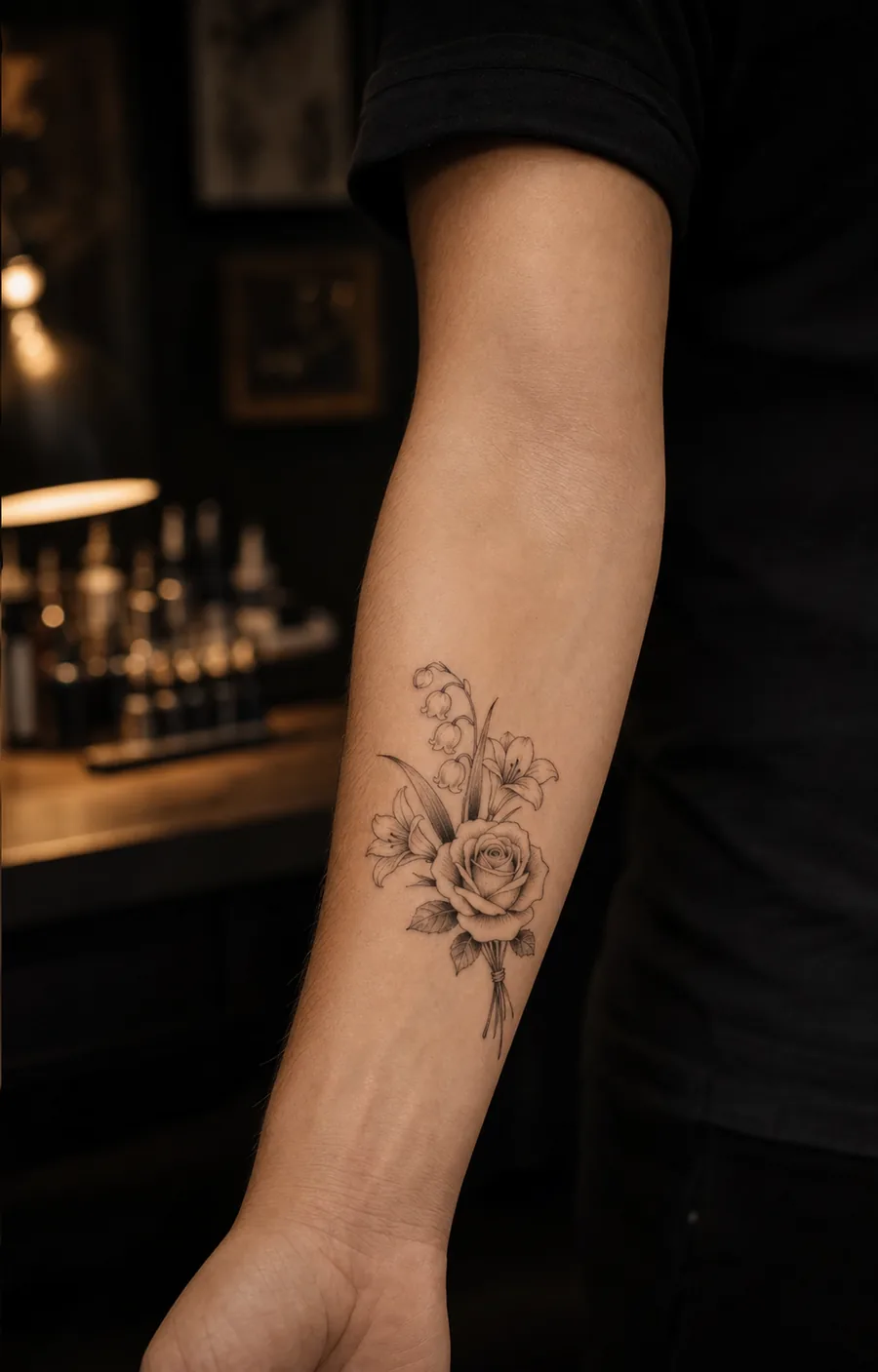
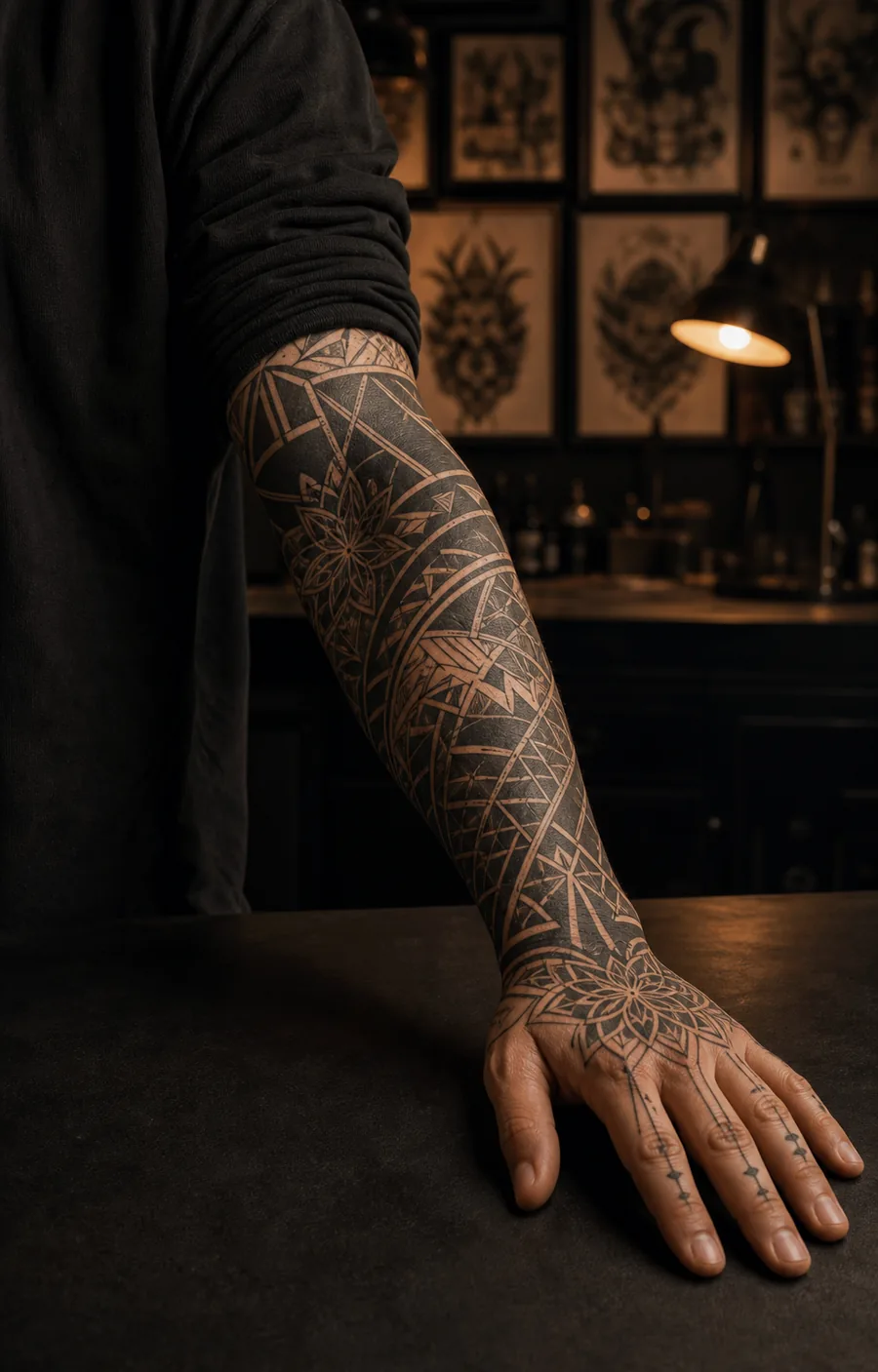
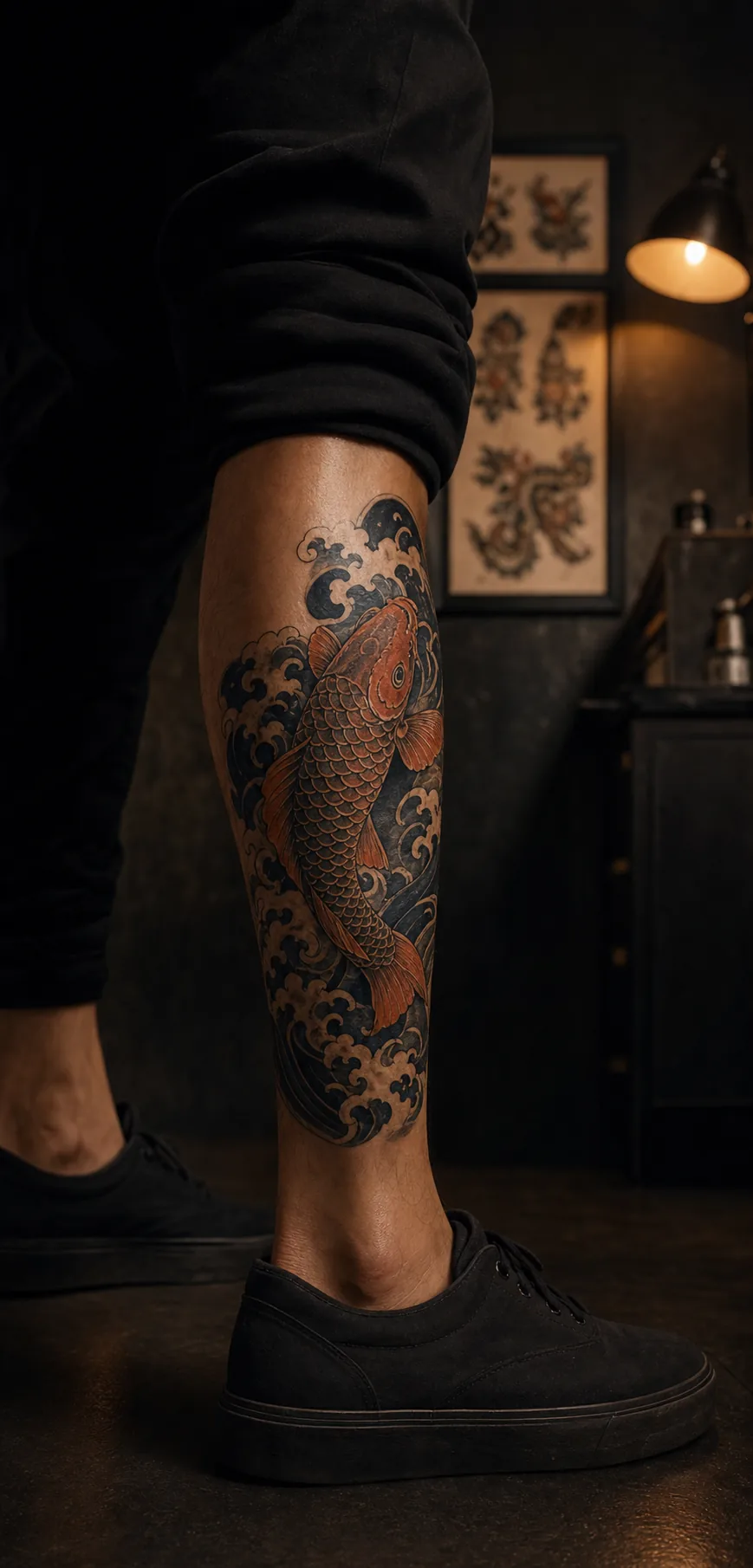
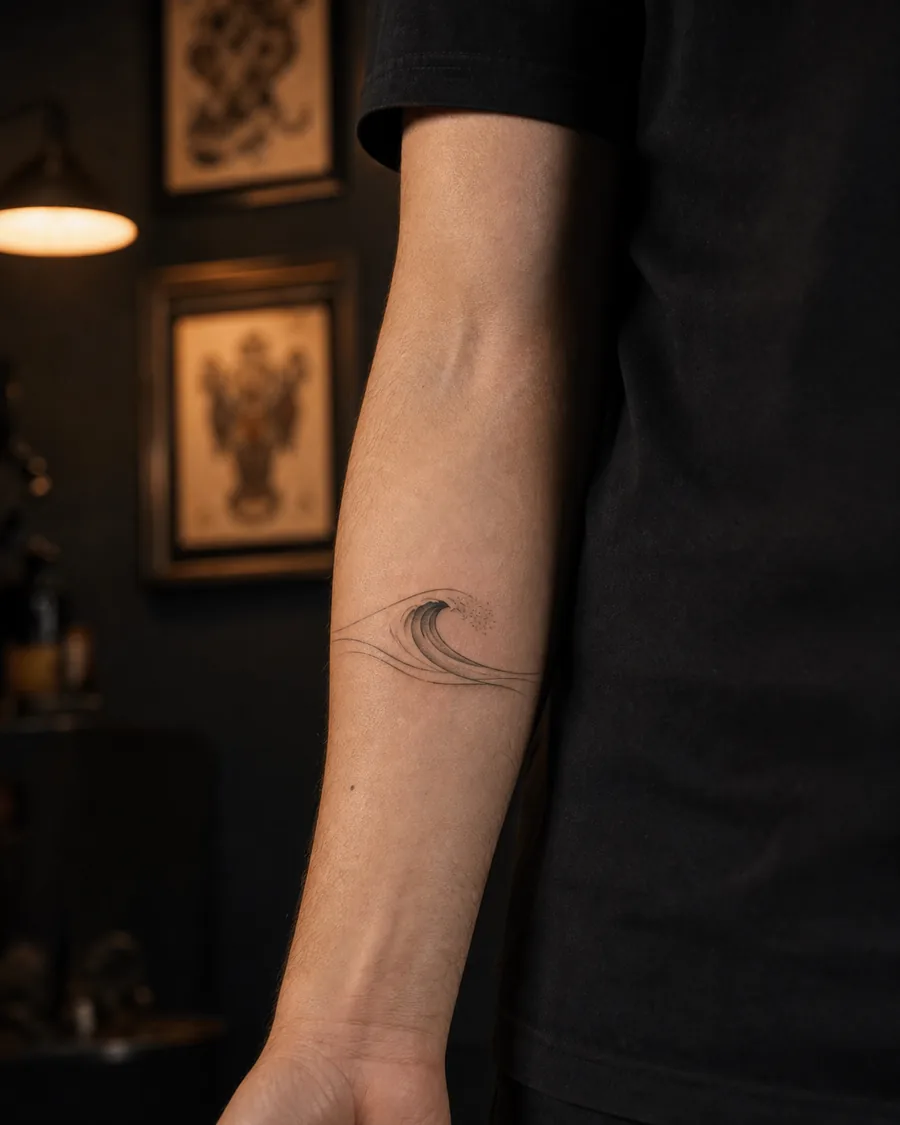
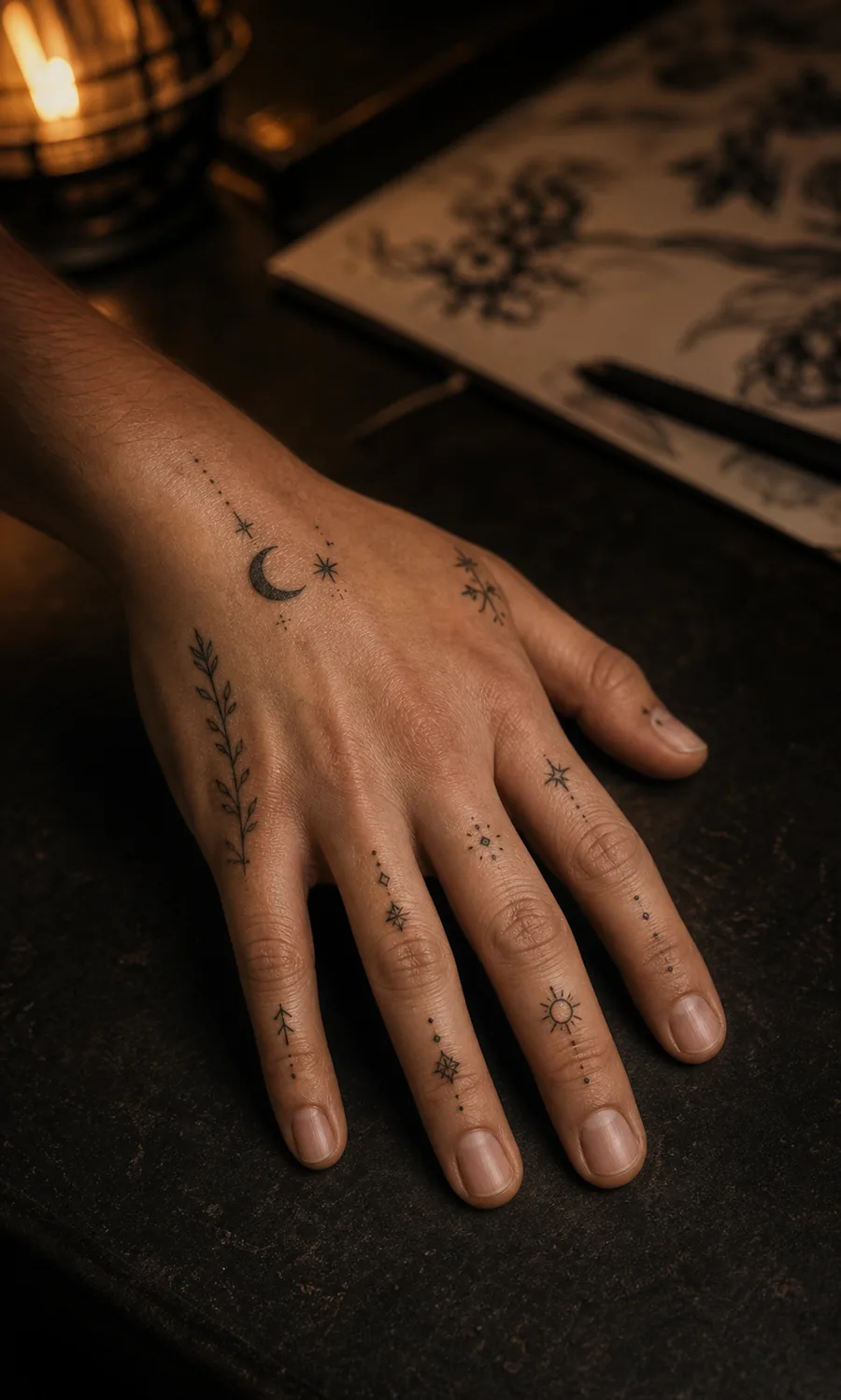

Who uses an AI tattoo generator
Getting your first tattoo
A first tattoo is a big call. Run the same idea through twenty versions before you commit to one, and walk into the studio knowing exactly what you want instead of pointing at flash on the wall.
Collectors planning the next piece
You know your style. Write a specific brief - placement, motif, shading - and use the results to align with your artist, or push a sleeve concept further between sessions.
Tattoo artists
Clients describe ideas in words; you work in images. Generate three takes on a request during the consult, agree on a direction in minutes, then draw the final piece your way.
Five workbenches, one canvas
The generator on this page is one of five tools. Each one handles a different step between an idea and a finished design.
Text to tattoo
Describe the motif, pick a style and a complexity level, generate. The default workbench and the fastest route from idea to image.
Try it now →Photo to tattoo
Upload a picture - your pet, a sketch, a painting you love - and turn it into tattoo linework instead of starting from words.
Open the workbench →Tattoo lettering
Names, dates, and quotes set in script, blackletter, or fine line typefaces designed to hold up on skin.
Explore tattoo fonts →Stencil maker
Turn any design into a clean line stencil your artist can transfer straight onto skin.
About the stencil maker →Tattoo try-on
Put a design on a photo of your own arm, chest, or back and check size and placement before you book.
See how try-on works →Tattoo styles the generator draws well
The generator handles twelve distinct tattoo directions. Each one links to a full guide with examples, so you can compare them before choosing.


From tattoo idea to finished design in three steps
Describe it
A few words work: 'snake wrapped around a dagger'. Detail helps - add placement, mood, or an element that has to appear.
Set style and complexity
Choose one of the tattoo styles, decide how detailed the linework should get, and hit generate. The first results land in under a minute.
Make it real
Download the design in high resolution, extract a stencil for your artist, or preview it on your own skin with the try-on tool.
Popular tattoo ideas to start from
Tap an idea to drop it into the generator, then bend it until it's yours.
What you get when you design your tattoo here
Results in under a minute
Type, generate, judge. Twenty iterations cost you a coffee break, not weeks of email back-and-forth.
Thirty-plus styles, each documented
From irezumi to trash polka, every style has a written guide explaining what makes the look work.
Stencil-ready output
One click turns a finished design into clean linework your artist can transfer.
Try it on before the needle
Preview any design on a photo of your own arm or back. Size and placement doubts settle themselves.
Free to start
One free generation as a guest, then 10 free Credits each week with a free account—enough for one standard generation. Paid plans remove the watermark and raise the resolution.
A feed to raid for ideas
Browse what other people generated, remix a direction you like, publish your own once it's good.
Questions people ask
Your next tattoo starts as a sentence
Type the idea you've been carrying around. If the first result misses, the second one is thirty seconds away.