Stop Starting Over: How InkGPT Lets You Refine a Tattoo Design Through Conversation
Stop Starting Over: How InkGPT Lets You Refine a Tattoo Design Through Conversation
Here's a scene that plays out thousands of times a day: someone types "minimalist lion tattoo fine line geometric background" into an AI image generator, gets a result that's 70% right, and then has no way to fix the other 30%. The mane is too busy. The geometric rings are too thick. The expression isn't quite what they imagined. So they rewrite the prompt, hit generate again, and get something completely different.
This is the loop that kills good ideas. You had something close, but the tool forced you to throw it away and start from zero.
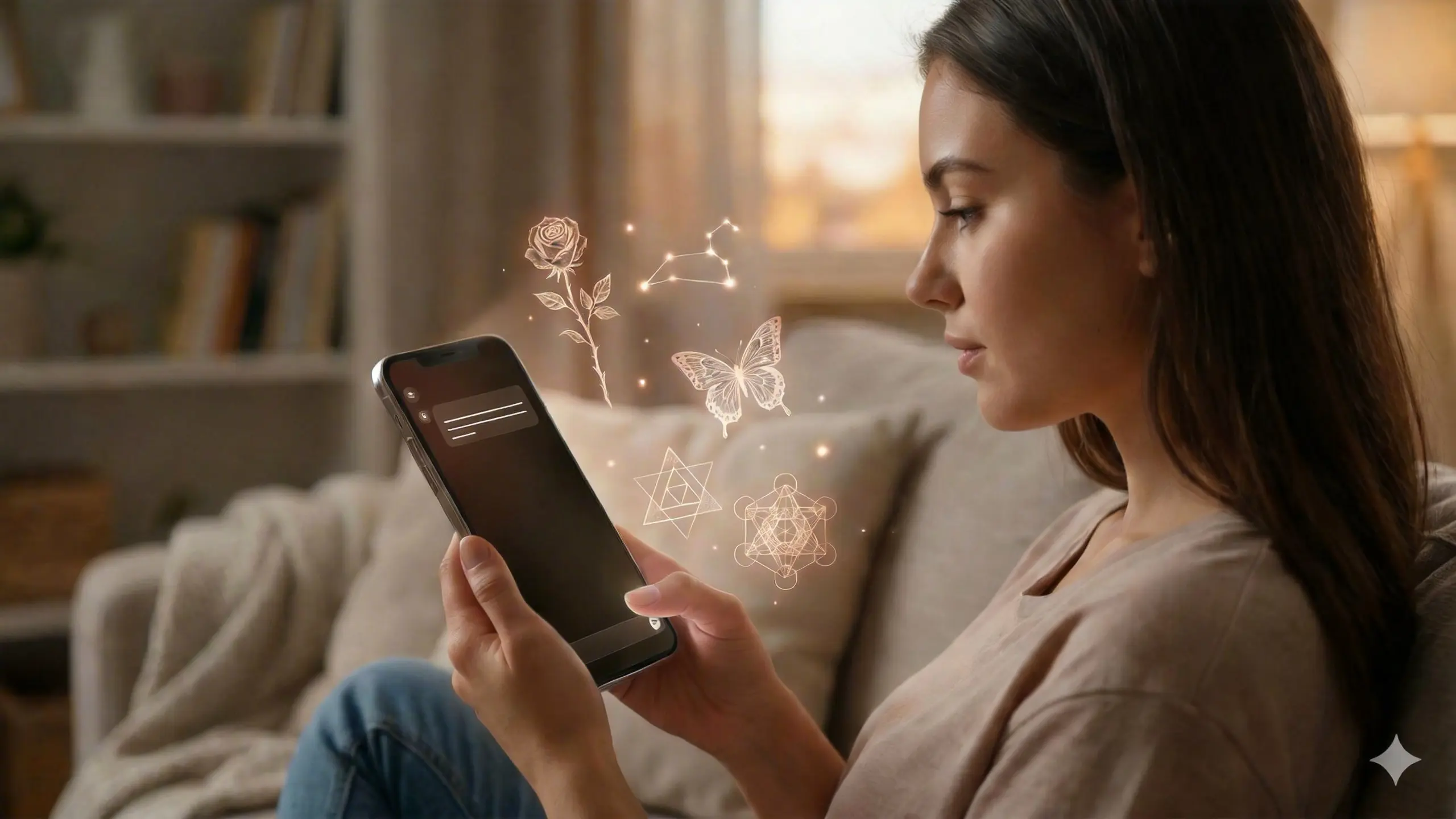
InkGPT was built to break that loop. Instead of one-shot generation, it works like a conversation — you build on what you've already created, one adjustment at a time.
What Actually Changes When the AI Remembers
Most image generators are stateless. Every prompt is a fresh start with no memory of what came before. InkGPT is different: it carries the full context of your conversation — tens of thousands of words — so every instruction builds on the last.
In practice, this means you can say:
- "Generate a koi fish swimming upstream, single-needle style"
- Then: "Make the water more dynamic, add some splash"
- Then: "Now remove the background and keep just the fish and water"
Each step refines what's already there instead of rolling the dice again. You're peeling back layers, not gambling on a slot machine.
This matters most when you're close to what you want but can't articulate the gap in a single prompt. "A little fiercer" or "more space between the elements" — these are the kinds of adjustments that are impossible with traditional generators but natural in a conversation.
Upload What You Have, Get What You Need
InkGPT's chat doesn't just accept text. You can drop in images — a hand-drawn sketch on a napkin, a screenshot from Instagram that captures a vibe, or a photo of an old tattoo you want to reimagine.
Tell it: "Keep this composition but redraw it in blackwork style" or "Use this as a starting point but make it more abstract." The AI analyzes the structure, lighting, and proportions of your upload, then builds on it rather than ignoring it.
This is especially useful for cover-up projects. Upload a photo of the existing tattoo, describe what you want it to become, and InkGPT generates options that actually account for what's already on the skin.
It Knows What Works on Skin (and What Doesn't)
Here's something most AI art tools don't think about: not everything that looks good on a screen translates to skin. Lines that are too thin will bleed together in a few years. Compositions that work at poster size fall apart at wrist size. Negative space that reads well on white background disappears on skin.
InkGPT understands tattoo-specific constraints. Ask it "Would this design work on the ribs?" and it won't just say yes — it'll suggest how to stretch or rotate the composition to follow muscle lines. If your design has areas that are too dense for long-term readability, it'll flag them and recommend more breathing room.
It's not infallible, and it doesn't replace an experienced artist's eye. But it catches the obvious problems before you walk into a studio.
The Interface Gets Out of the Way
We designed InkGPT's UI around one principle: the design should be the focus, not the interface. The input floats over the conversation like frosted glass — always accessible, never blocking the images you're reviewing. Generated designs appear at full resolution in the chat stream so you can evaluate them without clicking through preview windows.
The left sidebar keeps your sessions organized. Working on a Japanese sleeve concept and a minimalist wrist piece at the same time? Each conversation stays completely separate with its own history and context.
Two Ways to Use It
If you're a tattoo artist: InkGPT is your pre-consultation tool. Before you sit down to draw, have your client chat with it to crystallize what they actually want. They'll arrive at your studio with a clear direction instead of a Pinterest board and the word "vibes."
If you're getting a tattoo: Use it to bridge the gap between the image in your head and something you can show your artist. The output isn't the final tattoo — it's the conversation starter that makes the rest of the process smoother.
Ready to Start Your Tattoo Journey?
Turn your inspiration into a stunning design with OpenInk AI.